Projects

My projects

Pychess

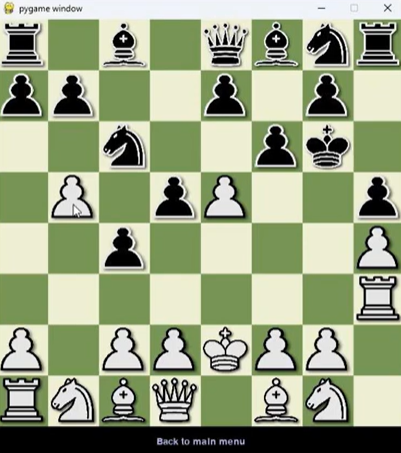
For my computer science A level NEA, I created a chess game that included:

• Multiplayer over a network with a client-server structure
• Scaling bot difficulties using Minimax with branch pruning
• Puzzles to challenge the user to find the best move

This project was challenging to make as I had to learn about many new concepts all at once such as port forwarding and complex recursive algorithms; This project was also my first using OOP, meaning I was using a structure that was entirely new to me.

Software used: Python, Visual studio / Visual studio code, Replit

Skills needed: Software networking, Software analysis, Software optimisation, Software evaluation, Object oriented programming, Project management, Time management

Mid-project code explanation video

End of project testing video

Pychess on Github

Bacteria Beatdown

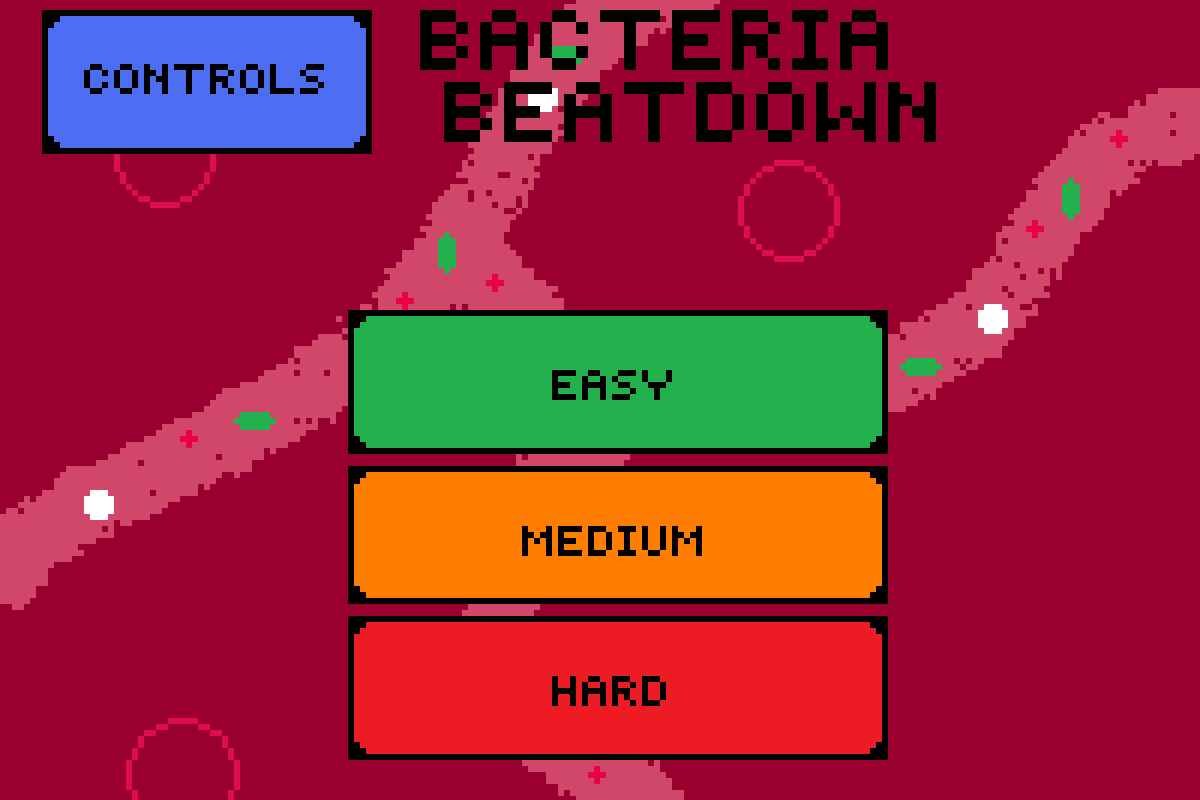
For my games development unit in my BTEC level 3 IT course, I developed a simple educational game where the player plays as a white blood cell fighting off bacteria in the body.

The goal of the game is to kill larger and stronger purple bacteria to collect platelets, which can be used to seal up cuts (the spawn points of bacteria) around the map whilst killing the smaller green bacteria to collect "bacteria souls" and upgrade your weapon.

The game ends when every cut has been sealed up and there are no bacteria left on the map!

Software used: Gamemaker studio 2 (Using GML), Piskel

Skills needed: Rapid adaptation to a new programming language, Game development, Pixel art creation, Software analysis, Software optimisation, Software evaluation, Project management, Time management

Play bacteria beatdown

Tournament software

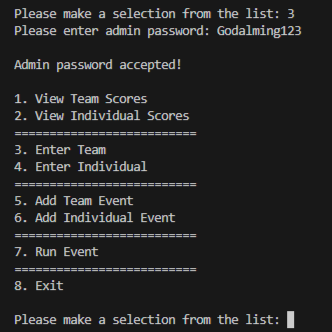
For the programming unit in my BTEC level 3 IT course, I created a piece of tournament software in python to manage sports teams and individuals across multiple different types of event.

The program uses a simple command line interface with a menu system allowing the user to run the functions in whichever order they choose. Users are only allowed to view the data, unless they input the admin password after which they can make changes.

The user can input each individual, team and event, which the program stores as a file. The names of these files are user defined and the software uses a directory system to procedurally load each one upon startup, converting it from a string into an OOP object, utilising a hashtag as a marker for the separation of variables.

Software used: Python, Visual studio / Visual studio code

Skills needed: Creating and manipulating file systems, Software analysis, Software optimisation, Software evaluation, Object oriented programming, Project management, Time management

Tournament software on Github